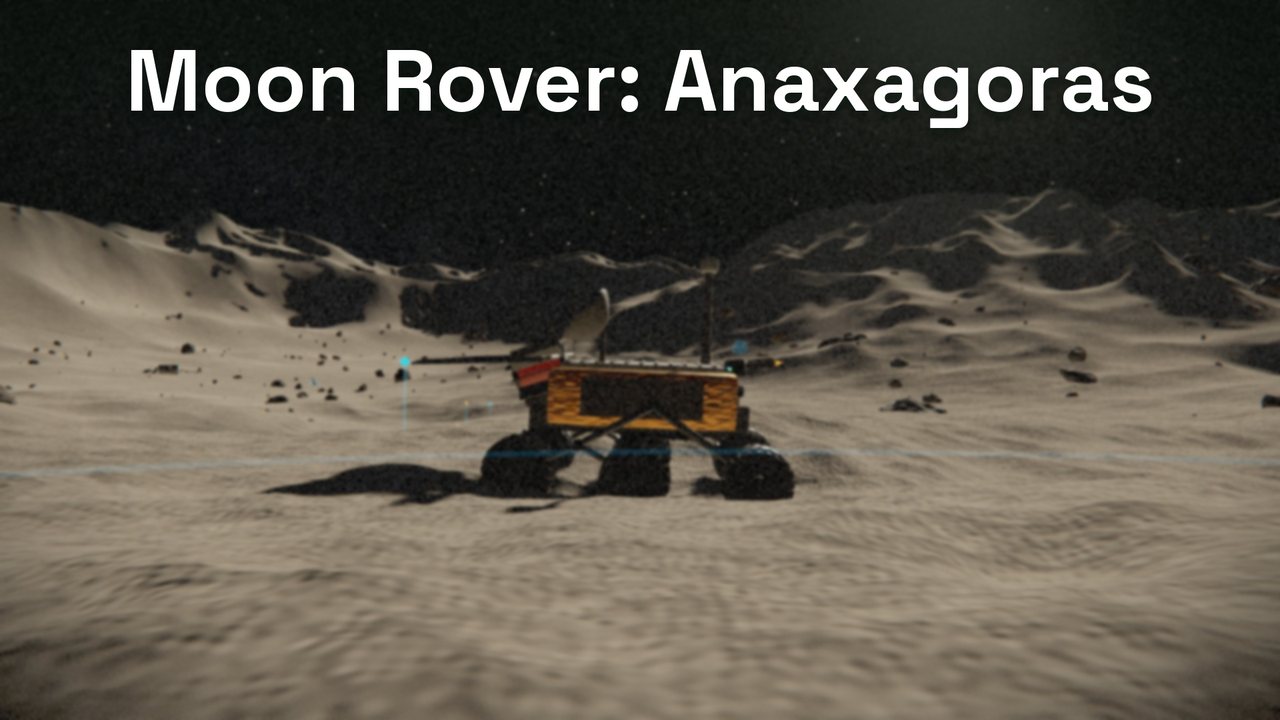
Moon Rover: Anaxagoras is Toolstack Lab's hosted, renamed copy of an open-source 3D lunar rover game by winch, used under the MIT licence.
- Genre
- 3D lunar rover survey (exploration)
- Platforms
- Web browser – best on a desktop or laptop with a keyboard
- Needs
- WebGL2
- Price
- Free
- Account needed
- No
- Save data
- Stays in your browser (localStorage)
- Made by
- winch (original) · hosted by Toolstack Lab
- Released
- Updated
- Controls
- W A S D or arrows drive, mouse looks; T array, G radar, R arm + click drill; Esc pauses
- Licence
- MIT
How to play Moon Rover: Anaxagoras
Each mission card lists a few objectives in the top-left. Mission 1 (Cold Start): press T to deploy the solar array, drive 120 m from the sled, then press G for a radar sweep. Later missions have you park on radar echoes, deploy the arm (R), aim it with W A S D and click to drill, carry samples back to the sled, lay relay beacons (B) to keep contact, and hold E at the old station to recover its logs. Watch power and hull: shadowed ground does not charge the array, and the sled recharges you and takes your samples. There is no score and no game over: if the hull gives out, the rover is winched back to the sled. Tab opens the field codex; Esc pauses.
Controls
Keyboard
W/S or ↑/↓ throttle and reverse · A/D or ←/→ steer · Space brake · mouse look (click the game to lock the pointer), wheel zoom · T solar array · G radar sweep · R arm (then W A S D aims, click drills) · B relay beacon · E hold to interact · F lamps · C camera · P photo mode (Q/Z up/down, Shift fast) · H hide HUD · Tab codex · Esc pause and release the pointer · X right the chassis after a rollover. K (save the frame as a PNG) does nothing inside our frame, because the frame blocks downloads.
Touch
Twin sticks: DRIVE (left) and LOOK (right). Buttons: CAM, LAMP, ARRAY, HUD, SHOT, BRAKE on the left; SCAN, ARM, DRILL, RELAY on the right. SHOT (save a screenshot) does nothing inside our frame. We have not tested the touch controls on a real phone.
Tips for Moon Rover: Anaxagoras
- Deploy the solar array (T) first: it is the first objective and keeps your power up.
- Park before drilling: deploying the arm (R) holds the chassis still while you aim.
- Head back to the sled to recharge and unload samples. The Sample Bay holds 6.
- Turn the lamps on (F) in shadowed craters, and check the field codex (Tab) after each discovery.
- If it stutters, lower RENDER QUALITY under SYSTEMS on the main menu. It starts at a level guessed for your device.
Screenshots


What we measured
We did not make this game. These are the checks we ran on the copy we host, and the gaps we have not measured yet.
- Game files on first load
- 404,266 bytes transferred (27 files, 1.68 MB unpacked)
- Requests to other web addresses
- None
- Cookies
- None
- Saved in your browser
- localStorage keys regolith.anaxagoras.v1 (progress) and regolith.anaxagoras.v1.set (settings), nothing else
- Mouse pointer lock in our frame
- Works: clicking the game locks the pointer, Esc pauses and releases it
- Tested in
- Headless Chromium with software WebGL (SwiftShader) only; its frame rate says nothing about real devices
- Frame rate on a real graphics card
- No data yet
- Load time on a real phone
- No data yet
- Touch controls on a real phone
- No data yet
- Behaviour without WebGL2
- No data yet
- Gamepad
- No data yet
- Sound
- No data yet
- Time to finish all five missions
- No data yet
We only list numbers we have measured ourselves; the empty rows get filled in once we have real ones.